


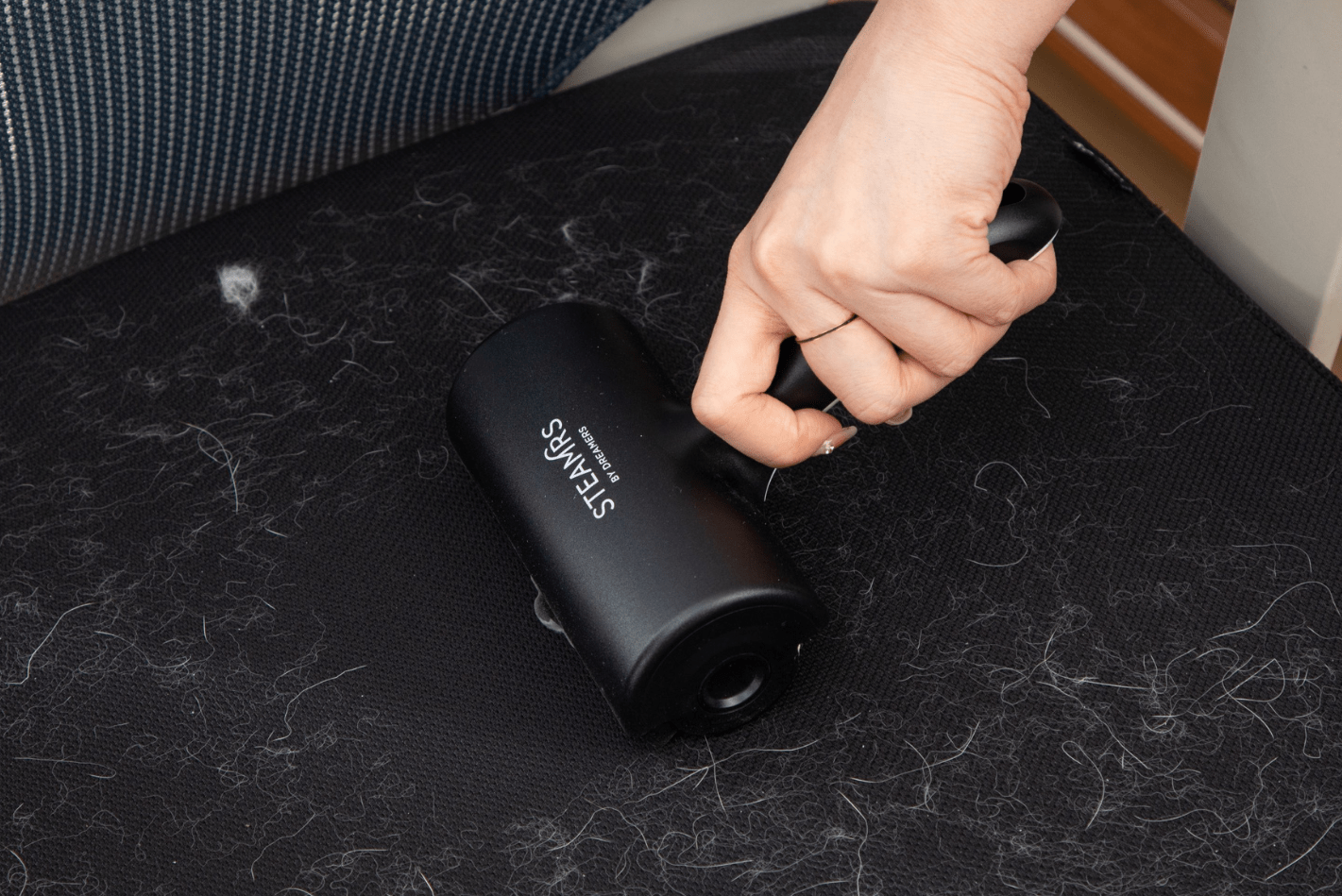
Is the roll in your STEAMRS Luxury Lint Roller finished? Don’t worry - replacing the roll is quick, easy, and completely doable yourself. Follow these clear steps to refill your lint roller with a new adhesive roll.
Spare adhesive rolls for this lint roller can always be ordered separately. This allows you to reuse your lint roller countless times and keep your clothes looking fresh and free of lint and hair.
Step 1: Open the closure flap
Open the closure flap located halfway along the lint roller. This gives you access to the inside, where the adhesive roll is located.

Step 2: Push the black side button outward
Use your thumb to carefully push one of the black round buttons on the side of the roller outward. Meanwhile, hold the tube firmly with your other hand.
Step 3: Remove the adhesive roll from the tube
Lift the tube while keeping the button pressed. This allows you to easily remove the old roll from the lint roller holder.
Step 4: Remove the old roll from the tube
Press the black button on the other side outward with your thumb again and remove the old roll from the tube.
Step 5: Remove the caps from the old roll
There are black caps on both ends of the adhesive roll. Carefully remove them and keep them: you will need them again for the new roll.
Step 6: Place the caps on the new refill
Take a new lint roller refill (adhesive roll) and press the caps firmly onto both ends.
Step 7: Place the new roll back into the tube
First slide the left side of the new roll into the hole in the tube, then click the right side into place.
Step 8: Place the tube back in the lint roller holder
Use the same method as when removing it: press in the black button and click the tube with the new roll back into the holder.
Ready to use
And there you have it! Your STEAMRS lint roller is ready to effortlessly remove dust, hair, and lint from your clothes again. Replacing the roll in time keeps it working optimally.
